Admin, Author at HSR Home Staging Certification Training - Page 5 of 14
Admin
Author Archives: Admin

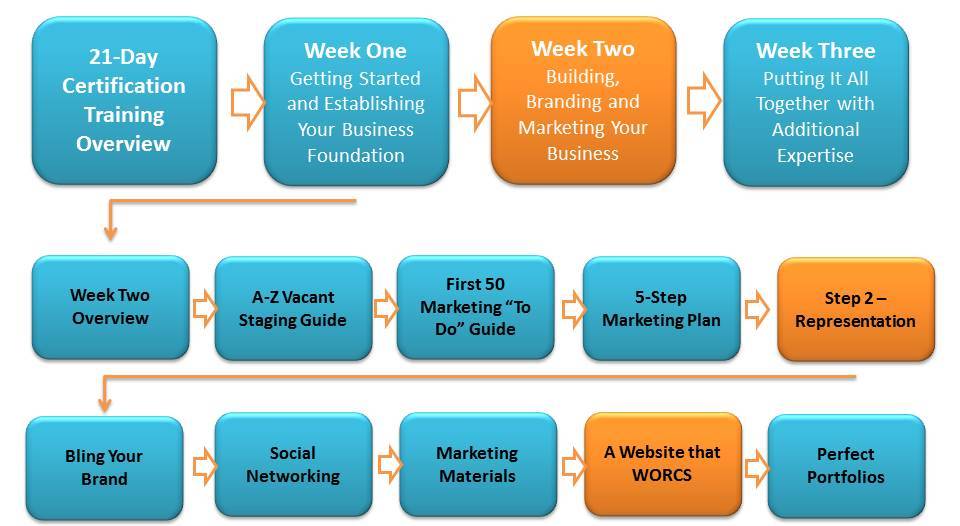
A Website that WORCS

Creating a Website that Rocks!

If You Purchased our TrulyBranded Website Package:

Don't worry, you are in good hands and will have a website that is mobile friendly, easy to edit, customizable, search engine friendly and tailored to our industry. 

If You Did Not Purchase our Premium Website Package:

We all know the importance of "first impression" and your website is your prospects "first impression" of you!  Spend some time on this CRITICAL marketing item!  

Click on the image below to download a Website Checklist I created for you to shop around with as you choose a website for your business:

You should know that picking a wix, weebly, vistaprint or godaddy website product may not help you much in "getting found" by search engines.   Having said that, wix.com and squarespace.com are my favorite of those options and can be fairly user friendly to use.

Watch our latest sales video for our Website Product and I show it to you because what we provide is a benchmark for what you should be looking for when you invest in a website for your business. 

If you are on a VERY tight budget, consider just using your business Facebook page  but keep in mind that a professional website that represents your business well will really help to get your phone to ring.

10 Critical Keys to Every Successful Website

Social Networking

Time to Get Social

Due to the ever-changing nature of the Internet, this section refers to many other websites whose soul purpose is to stay on top of social media/digital marketing. 
Social media and networking has come a long way in the last couple years for stagers and designers! In this section, you will learn:

  • How to stay on top of the social media industry

  • How to use Houzz and when to become a Houzz Pro

  • The most important social networks for your business (Facebook and Instagram which are connected which makes it easy)

  • How to set each social network up and stay organized

  • How to research your competitors to connect with clients

  • How to easily build your friends, followers and likes (in video below)

    But first...here's a quick video I created for the general public about WHY social media is critical...

Using Social Media to Get Clients

In the training above, I explain a product HSR offers which is a SOCIAL MEDIA SERVICE only for stagers and designers where we literally do your gorgeous posts weekly for you... can you imagine the time saver?

This is a perfect product for those who are too busy to post, don't know what to post and/or just want to focus on other marketing avenues (like the ones I mention in the video.)

3 Quick Steps to Get Started Right Away

1. First off, the very best websites out there for you to stay on top of all things social media are:

http://www.socialmediaexaminer.com/

Katie Lance who was a RESA Speaker and has free webinars on the subject!  http://www.katielance.com

Neil Patel is a social media guru online too, so you may want to subscribe to his blog:  http://www.quicksprout.com

I recommend you go to those sites right away and subscribe to their emails. Also, while articles in this training may get dated, I recommend going to the sites above to search for the latest and greatest when it comes to social networks or any questions you may have.

2. Secondly, for those of you who are resistant to using social media and change (like I was for a while), here's a good quote to remember:

"Just because you aren't there (on social platforms) does not mean the conversation isn't happening!"

There is a rule of social networks where the recommendation is that you use the 80/20 rule. The 80/20 rule means you spend 80% of the time interacting with and promoting others and 20% of the time promoting yourself and your products. In the video below and later in my Facebook Connect Section, I talk about easy ways you can do this.

Connect With Me!

I want you to go to my social platforms and get a good idea of what to do, as well as connect with me for ongoing information and ideas. Make sure to connect with the Home Staging Resource page and "Like" us, so that you get the latest staging statistic updates, etc..

3.  Finally, watch the quick video below and instructions underneath for setting up some basic social media profiles for your business:

Below are the social media platforms you will want to create your business in order of priority, along with quick article instructions on how best to set them up:


I've talked about Google which is AWESOME for email, calendar, documents, online forms...everything. Here is a good article about that.. http://www.practicalecommerce.com/articles/60668-22-Free-Google-Products-for-Small-Business-Owners


  • Houzz - My personal favorite for just refining your design style but this one packs a punch when you build your profile well, upload gorgeous after photos and then begin to advertise using Houzz Pro (I talk about it in the video). http://www.bluecorona.com/blog/houzz-marketing


  • Twitter - Unless you love to post and can make this a twice daily part of your routine, you don't really need a Twitter account. 

Cool Tip - Go to search.twitter.com, use their advanced search tool to search for "Realtor" in People near you to find all the local Realtors you can follow.


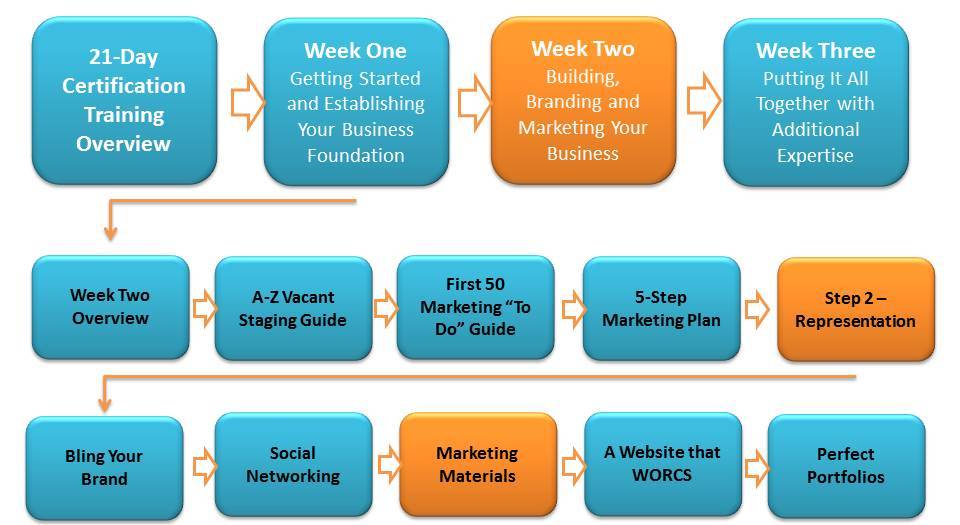
Marketing Materials

One-Click Marketing Materials

We know that it takes months to create marketing materials and websites from scratch and we don't want you to have to wait that long!  You can always get back to creating a custom look but for now, consider simply choosing one of our many styles, swap out your company information and order.

We strongly recommend you watch our Bling Your Brand section, so you have an idea of the "look" you want to achieve!

*If you have one of our TrulyBranded Websites  then you already have a Brand board for your business, so make sure to refer to that for your color codes, fonts, hero photos, etc...
**If you would like to purchase one of our websites, go to this page since you get a HUGE discount as an HSR Member - https://homestagingresource.com/designer-websites/

Marketing Material Canva Templates

Make sure you create your free Canva Account by click here if you haven't already!  FYI - There is also a Pro version which is what I use, so some of the things I show you may not be on the free version.

Business Card Canva Templates

Here's some examples of the business cards we created for you in Canva:

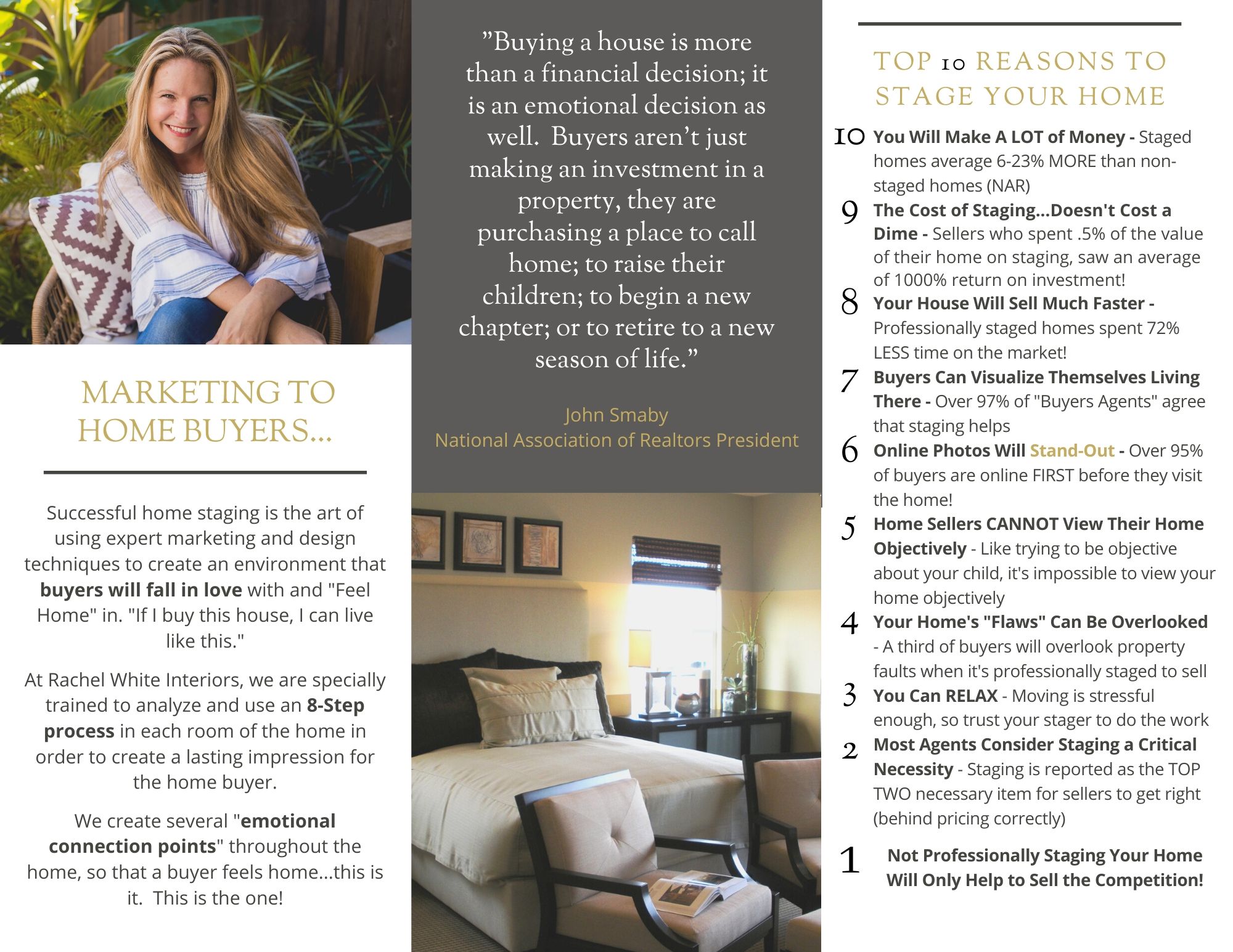
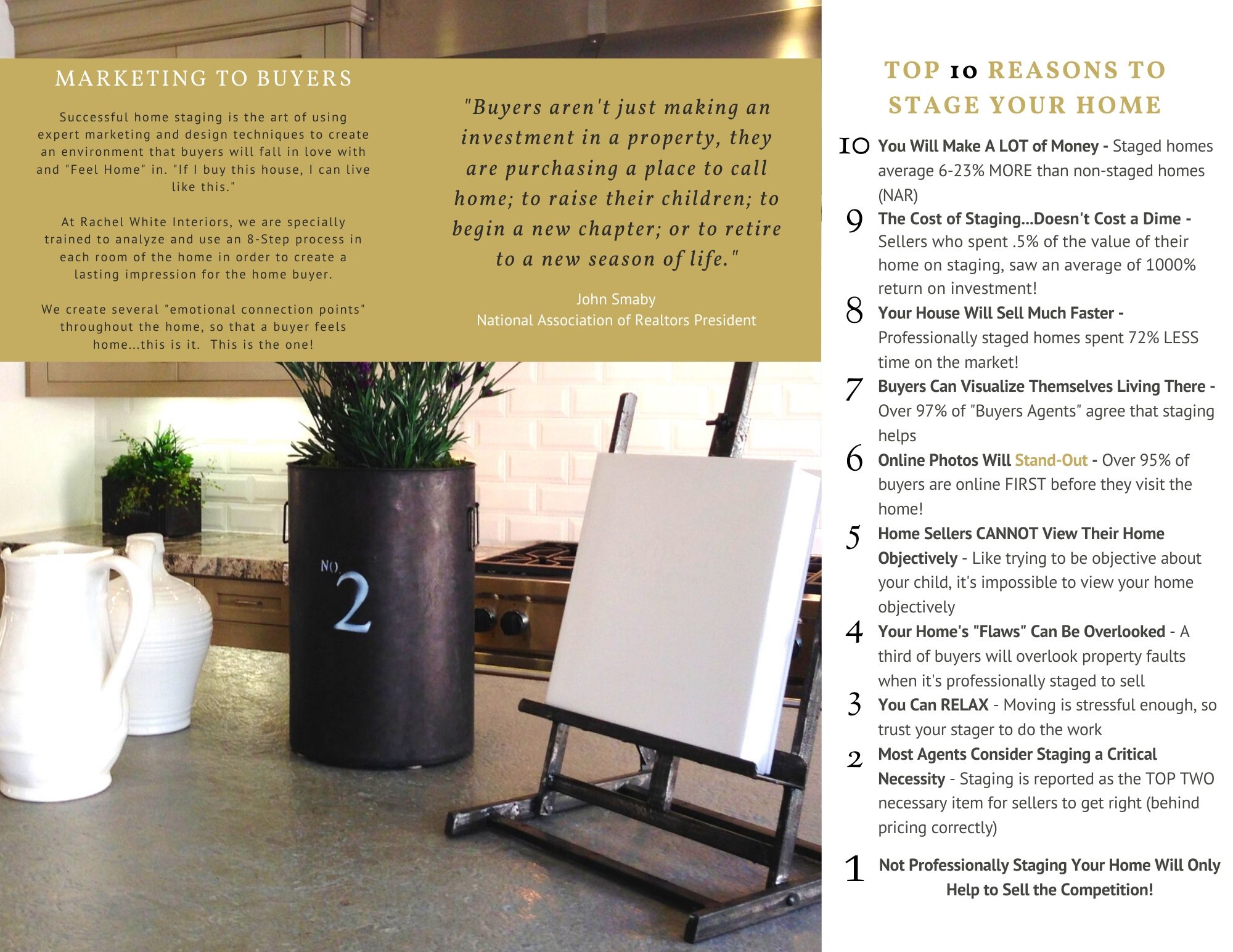
Canva Brochure Templates

Bling Your Brand

7 Steps to Creating a Logo, Brand and Look You Love!

I gave a similar presentation at a RESA Conference and it was really too much for just an hour. This presentation is essential for our image conscious industry and I hope you will learn and grow using the tools I share in this presentation.  Spend a day and have fun with this...

**If you have not created your FREE Canva Account to create amazing graphics for your business, make sure you do that by going to Canva.com!

***After you create your free Canva Account, go to my Canva Templates Section (under HSR Library) to add a TON of staging templates to your Canva Account that you can edit:-)

You will want to download my Bling Your Brand Worksheet to use as reference:

***Due to the ever-changing Internet, some of these resources look different or now may charge a bit for their "coolness".

Bling Your Brand Video - Shortened


NEW - How to Create a Gif Images for Emails

Want to learn how to create the animated image below for your emails, social media and website?  Right click and save as...to download this flyer image and watch short video below on how to edit it:

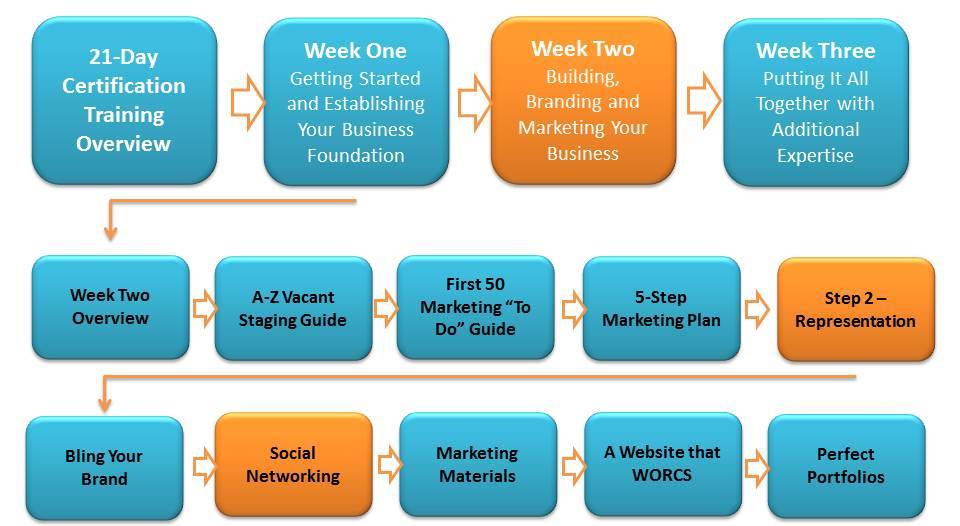
Marketing Step 2 – Representation

Your Brand and Marketing Representation

It's been said before, but this is one maxim that bears repeating: you never get a second chance to make a first impression and image matters in our industry.

Your company "brand" is your client's first impression and it usually manifests itself in your website, business cards, logo, brochures, email signature, forms, etc...

Today we are going to help you explore the kind of "look" you want for your business.  The good news is that there are tons of great tools online to help you shine.  Starting with the Bling Your Brand section, you are going to be researching Interior Designer's websites to find a brand that speaks to you.  As you move through the process of building those items that represent you, please remember these things:

  • Keep it Simple - The best logos are usually simply done using two fonts, so don't overthink this
  • Don't REinvent - Use the HSR materials as great starting points for marketing and simply swap out your information and tweak the stats.
  • Momentum is Key - Don't agonize over minutia especially when it comes to building your website!  If you're not getting something to work, skip it/delete it and move forward.
  • Have Fun - This should be the fun part, so try not to get too frustrated as you're working through building out your representation materials.
Please read through the HSR Marketing Step Two - Representation section of the First 50 Marketing Guide in your HSR Training Manual before going through the following online sections.

Marketing Step 1 – Market Research & Foundation

Know Your Market and Set Up for Success

Although you will be tempted to just jump right in and get going, there are a few things you should address so you don't set yourself up to fail. Just as a good business plan is critical to consider before starting your business, so is a strong marketing plan. Take it step by step and build a good foundation that will serve your business for years to come.

Step One - Market Research & Planning

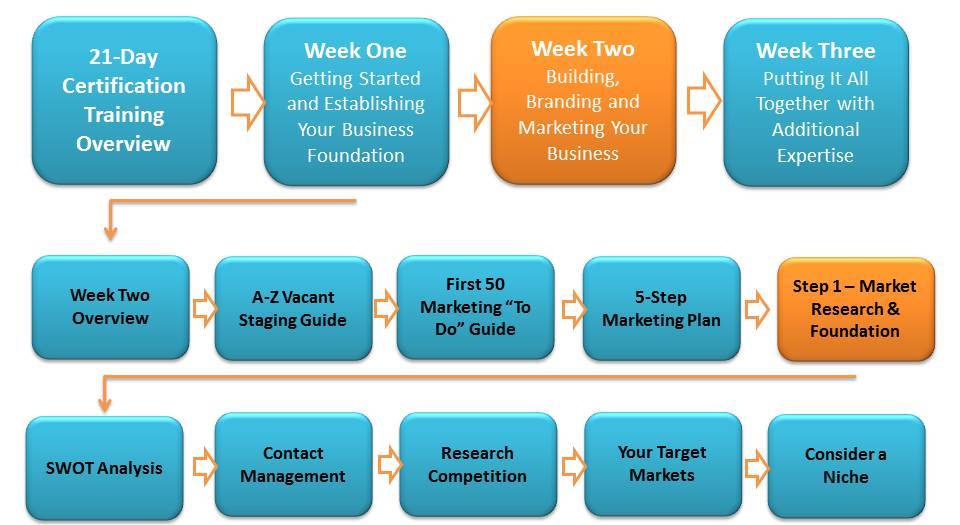
Part of being successful in marketing is to plan, go with your strengths, build your systems, research your competition, understand your target markets and reflect on a possible niche.  As you can imagine, all of these things revolve around A LOT of research and soul searching!  Hopefully I got your juices flowing in the Industry Overview section last week, so this week we begin our marketing adventure doing more of the same.

Read the first 10 items of the First 50 Marketing "To Do" Guide in the Member Training Manual before going through the rest of today's sections.

Contact Management

Organizing and Automating Your Contact Process

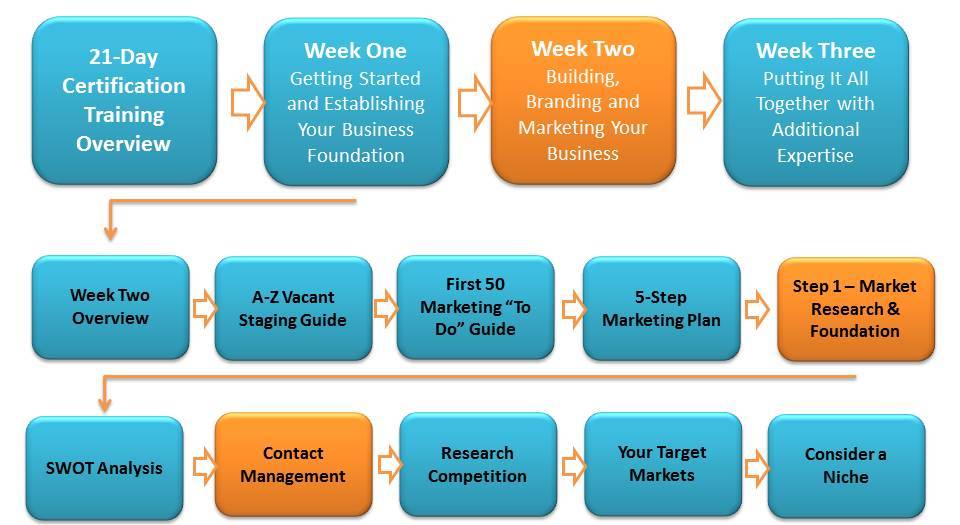
At the very least, you will want to be able to email all your prospects and clients at the click of a button.  This is what a contact management system (CMS) does for you.  Your database of clients and prospects adds tremendous value to your business!  This is not a list you can buy...it's one you will carefully cultivate.

There are a lot of choices for a CMS system and the list is growing.  Depending on how technical and big you want to grow you can spend a lot and go with InfusionSoft which has every bell and whistle imaginable or spend nothing and start with Mail Chimp.   MailChimp is FREE for the first 2000 contacts (as of this writing) and 9 out of 10 stagers have less than that many leads, so it should work well to start for your business. 

Quick Steps to Getting Started with MailChimp

1. Click on the link and create an account with MailChimp

2. Create a List called "Realtors" where you can upload your Wave Marketing Realtor contacts. Consider creating an "Auto Responder" campaign and attaching it to the "Realtors" list to drip follow-up emails automatically.

3. Create a List called "Clients" for all clients to be added to, as well as friends and family. This list is your redesign list and you should consider adding an auto-responder campaign about your approach to redesign.

4. Create newsletters monthly to both lists. Send open house announcements to the Realtor List.  Send fun redesign articles to the Clients list.

The important thing is staying in touch!

I've used every kind of CMS available for simple emailing and there are pros and cons to each.  I think when you're just starting out, it's best to go with a free, simple to use MailChimp program and then you can always GROW into something else down the road.  If you're one of those people who like to research everything before committing then take a look at:  GetReponse.com, Aweber.com, ConstantContact.com and Emma.com.

Since technology is always changing, I will always have my favorite technologies listed in the HSR Library under Technology and Business.​ 

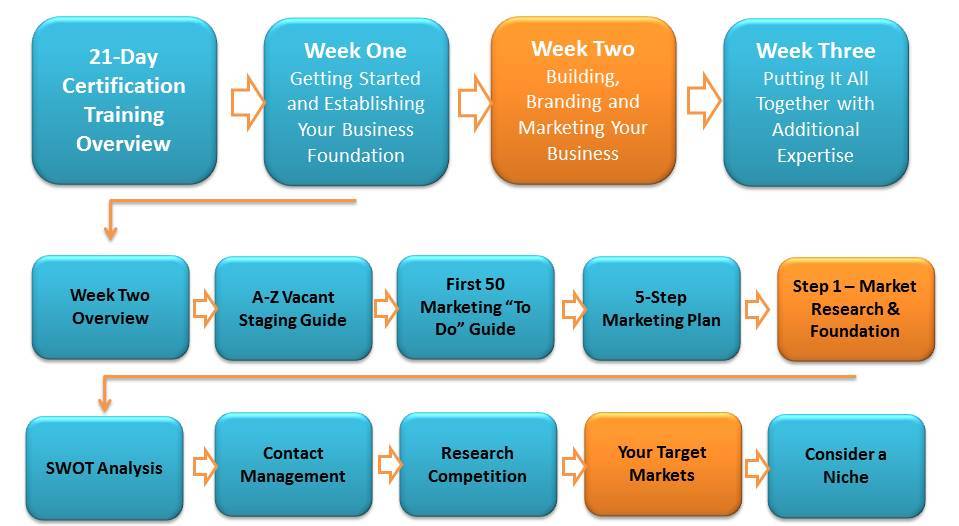
Your Target Markets

Your Target Markets and How to Reach Them

Before you can successfully create a marketing plan, you need to understand WHO your potential clients are and WHERE to find them. Every good sales person know that spending time selling to clients who have the potential to give you LOTS of business has more impact then going after smaller clients. Likewise in the staging industry, it's important to differentiate between what I like to call "A" level target markets and "B" level target markets.

"A" Clients = Clients that can refer you business on a continuous basis

"B" Clients = Clients that are a one-time sale or possibly a two-time sale (referral)

Don't think that HSR considers you only a professional home stager, because you're not. You're a Redesigner as well which is a very close cousin to staging. The reason that HSR's emphasis is on staging, particularly in marketing and building your business is because the staging business model is filled with "A" target markets, not "B" (as you'll see below).

The smart home stager/redesigner focuses their marketing efforts on the staging side of their business NEVER ignoring the redesign side for referrals and holiday times when things are slow in real estate!

Home Staging "A" Target Markets


Target Markets:Sources for Finding:Sources for Being Found:
Real Estate Agents
  • "First 50 Marketing Guide" in Training Manual
  • Identify Heavy Hitter Section
  • Realtor.com, Zillow.com, Redfin.com
  • Association Directory List
  • Realtor Office List
  • Google for top SEO agents
New Home Builders
FSBO's (For Sale By Owners)
Relocation Companies and Departments
Seniors & Retirement Communities
Foreclosures, Bank Owned through Real Estate Investors Your best bet is to work with real estate investors (REI) who buy these auctioned properties by networking with your local investor club!
Probate Lawyers These lawyers specialize in handling the property after someone has died and transitioning the furnishings and home into something that is saleable.
"B" Level Target Markets for Staging and Redesign
Home Seller Home Owner

HSR 5-Step Marketing Plan

Marketing Building Blocks to Success

I outline many different ways to market your business within the framework of the HSR 5-Step Marketing Plan in the First Fifty Marketing Guide.  The rest of Week Two will focus on following this steps and digging a bit deeper on the steps we've seen members have great success on.

These steps are ideally done in order.

  • STEP 1
  • STEP 2
  • STEP 3
  • STEP 4
  • STEP 5

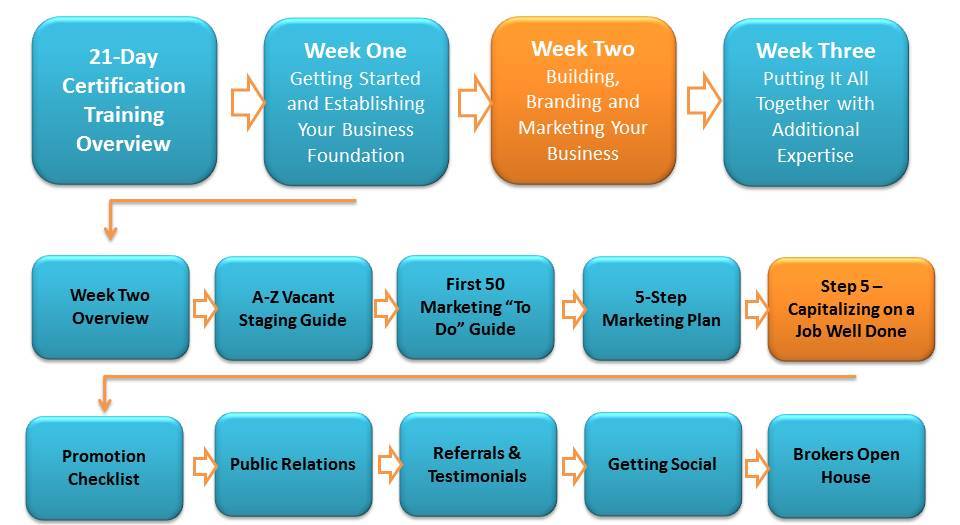
Marketing Step 5 - Capitalizing on a Job Well Done

One of the best things about the home staging business model is the fact that each job you do is a marketing statement and activity all on its own! Why? Because your number one target market (real estate agents) will then be "caravanning" through each home you stage. Don't miss any opportunity to brag about your work!

First 50 Marketing Guide

A Marketing "Brainstorm" Session

Just as you read through the "Getting Started Guide" in Week One and scheduled those critical business activities on your calendar, we open up Week Two with a marketing brainstorm and quick overview of best way to market your business in the First Fifty Marketing Guide (which is in your Training Manual).

Click to Open! This is also in your Training Manual

1 3 4 5 6 7 14